Adding Contacts
Adding contacts manually allows you to quickly create new customer records for one-on-one or small-scale engagements. This is especially useful when onboarding new customers or adding leads that come from offline channels.
How to Add a Contact
Step 1: Navigate to Contacts
From the main navigation panel, select Contacts. Once inside, click the New Contact button located at the top right of the page.
Step 2: Enter Contact Details
Fill in the required fields in the form:
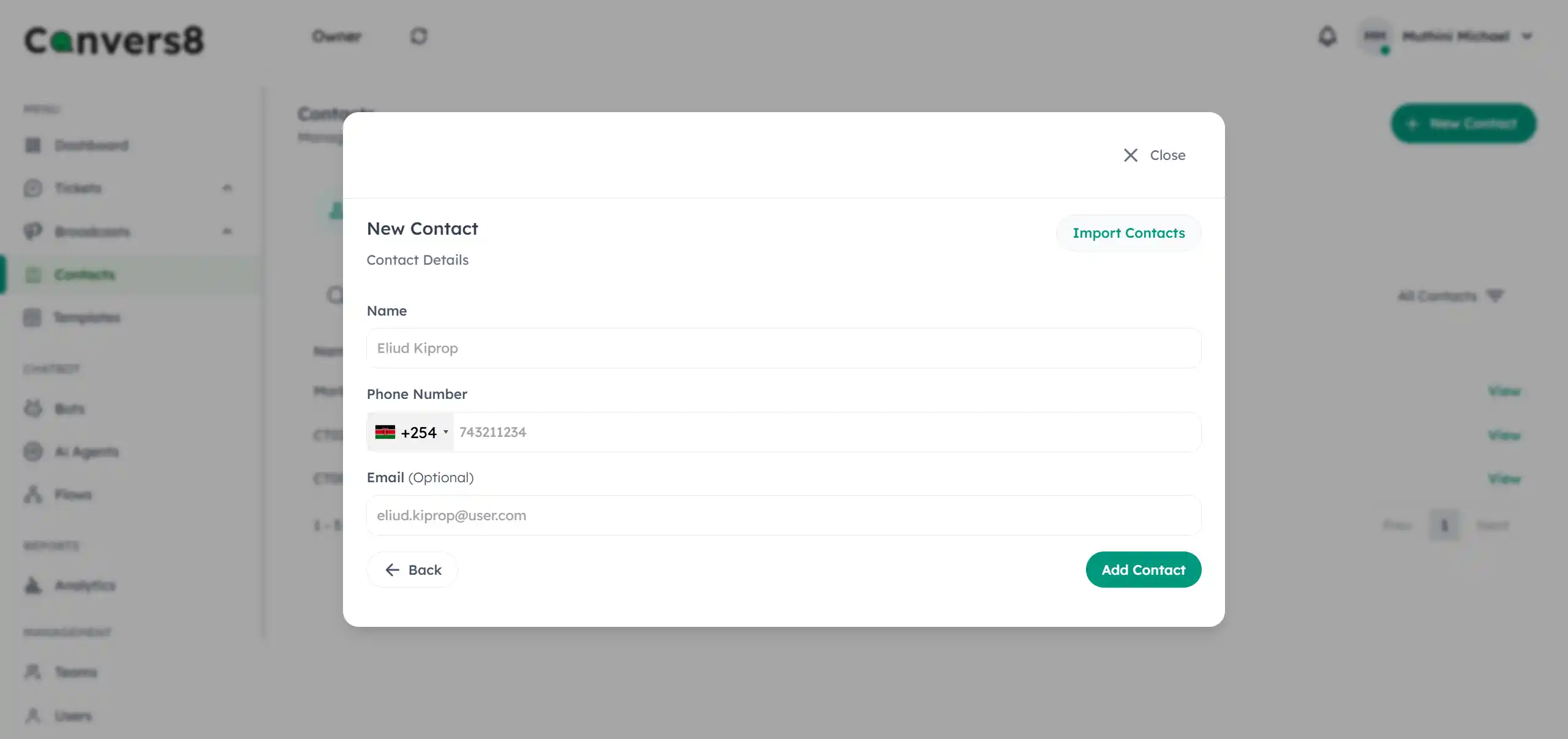
- Full Name – Enter the customer’s name for personalization.
- Phone Number – Include the correct country code and ensure the number matches the WhatsApp-registered number.
- Email Address (optional) – Optional but useful for cross-channel communication.
Step 3: Save the Contact
After verifying the information, click Add Contact. The new contact will appear in your Contacts List and can immediately be used for chats, broadcasts, or assigned tickets.
Tips for Accuracy
- Always double-check the phone number format (e.g.,
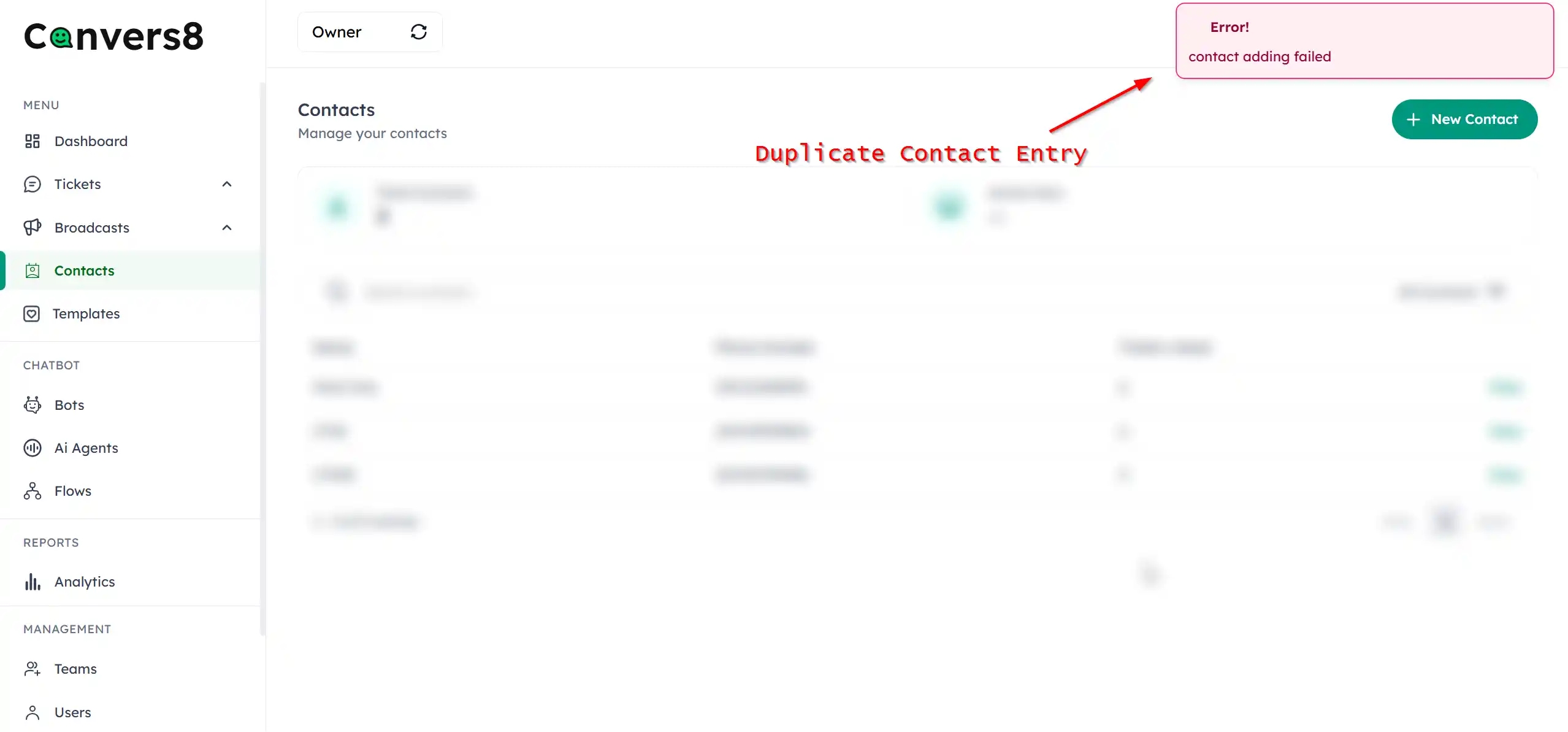
+254712345678for Kenya). - Avoid duplicate entries — Convers8 automatically flags duplicate phone numbers.