
Deleting Users
The Delete User feature in Convers8 allows administrators to permanently remove a user’s account and revoke all associated access.
This ensures that offboarded or unauthorized users can no longer access the platform — maintaining data security, compliance, and system integrity.
🧭 How to Delete a User
1. Navigate to Active Users
- From the sidebar, go to the Users section.
- Open the Active Users tab to view all current accounts.
- Click View next to the user you want to delete.
2. Click Delete
On the user’s details page, click the Delete button.
A confirmation dialog will appear.
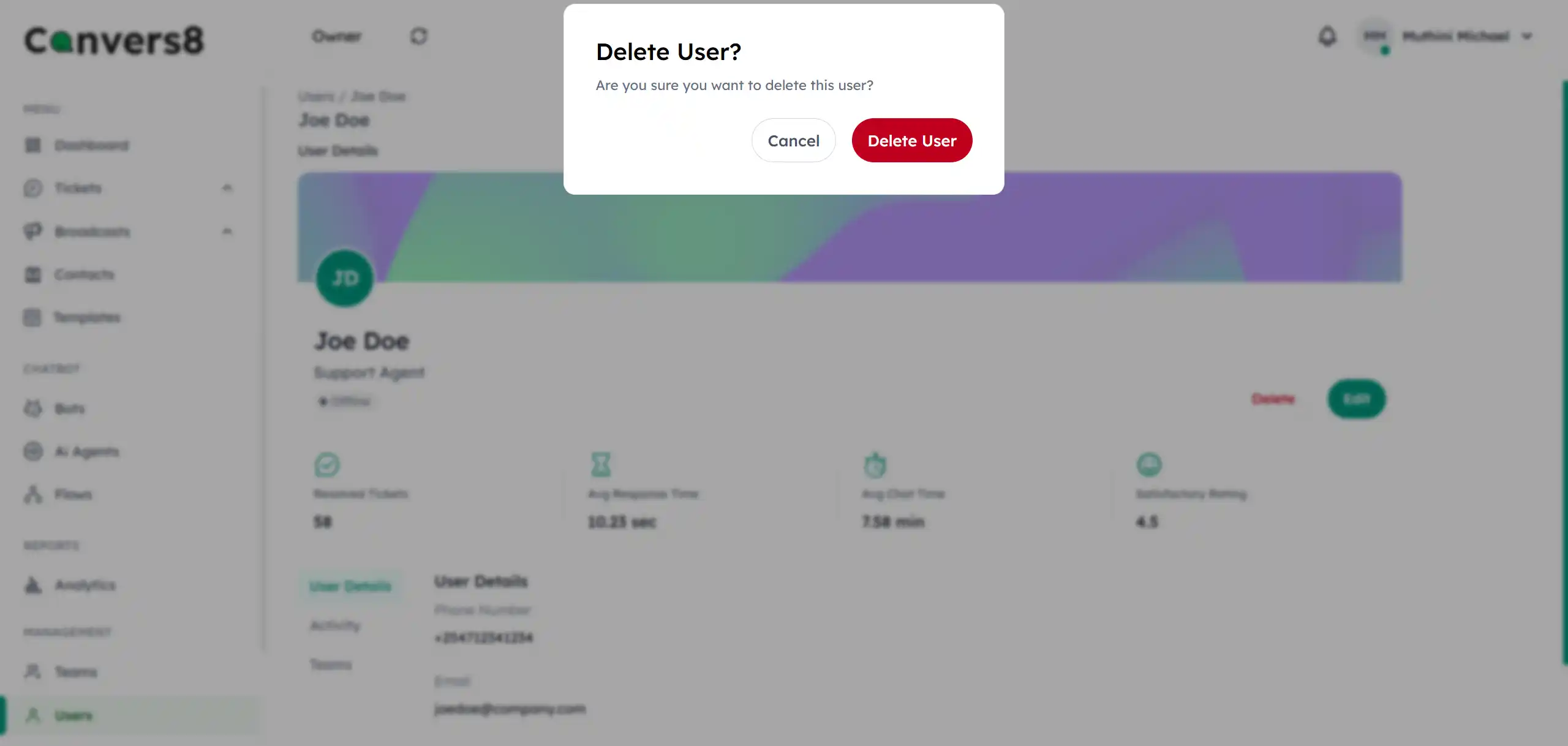
3. Confirm Deletion
In the confirmation dialog, click Delete User to proceed.
Once confirmed, the user’s account and access will be permanently deleted from Convers8.
NOTE
This action cannot be undone. Deleted user accounts cannot be recovered!
🕒 When to Delete a User
You should delete a user when:
- The user has permanently left the organization.
- The account was created by mistake or is no longer needed.
- Security or compliance policies require full removal.
- The user has violated policies requiring permanent deletion.
🧩 Best Practices
- 🗑️ Delete only when necessary: Since deletion is irreversible, double-check that the account and its data are no longer needed.
- 📋 Document the reason: Keep a brief internal record for audit or compliance reference.
- ✅ Reassign assets: Ensure any files, integrations, or ownerships linked to the user are transferred before deletion.