
Deleting Contacts
Deleting contacts helps keep your database clean, ensures compliance with data privacy regulations, and prevents messages from being sent to inactive or invalid contacts. Convers8 makes it simple to remove individual contacts when necessary.
How to Delete a Contact
Step 1: Go to the Contacts Section
From your dashboard, navigate to the Contacts section.
Step 2: Locate the Contact
Use the search bar or scroll through the list to find the contact you want to delete.
Click View to open that contact’s details page.
Step 3: Delete the Contact
Click the Delete button in the contact details section.
Step 4: Confirm Deletion
A confirmation pop-up will appear.
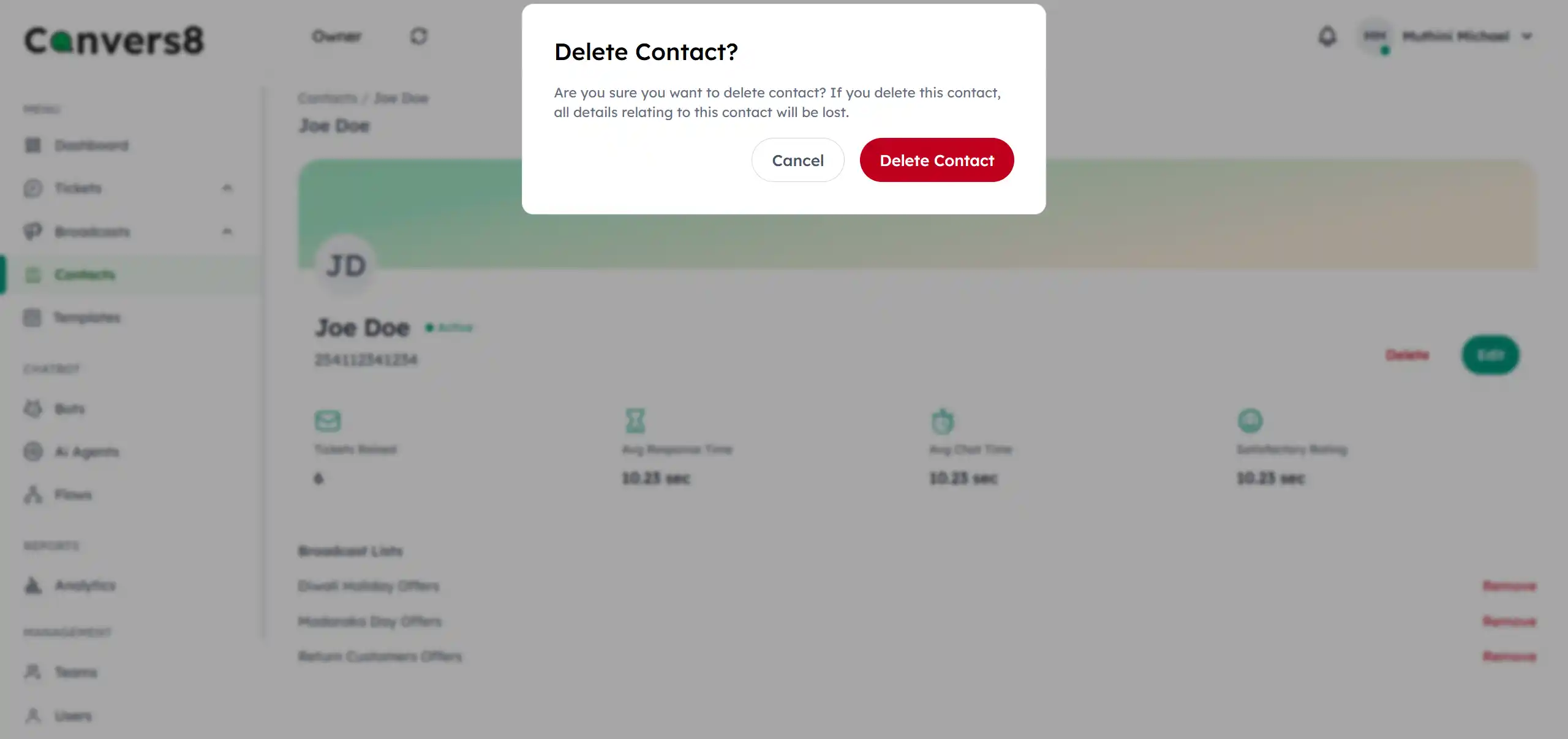
Click Delete Contact to permanently remove the contact from your database.
Warning
- Deleted contacts cannot be recovered, so ensure a backup if necessary.
Tips for Managing Deletions
- ⚠️ Delete carefully: Only remove contacts you’re sure are no longer needed.