
Template Management
Once logged in, open the Templates Dashboard from the menu.
If you see an error saying WhatsApp Business Account ID is not found, it means Convers8 doesn’t yet know which account to use to fetch your templates. 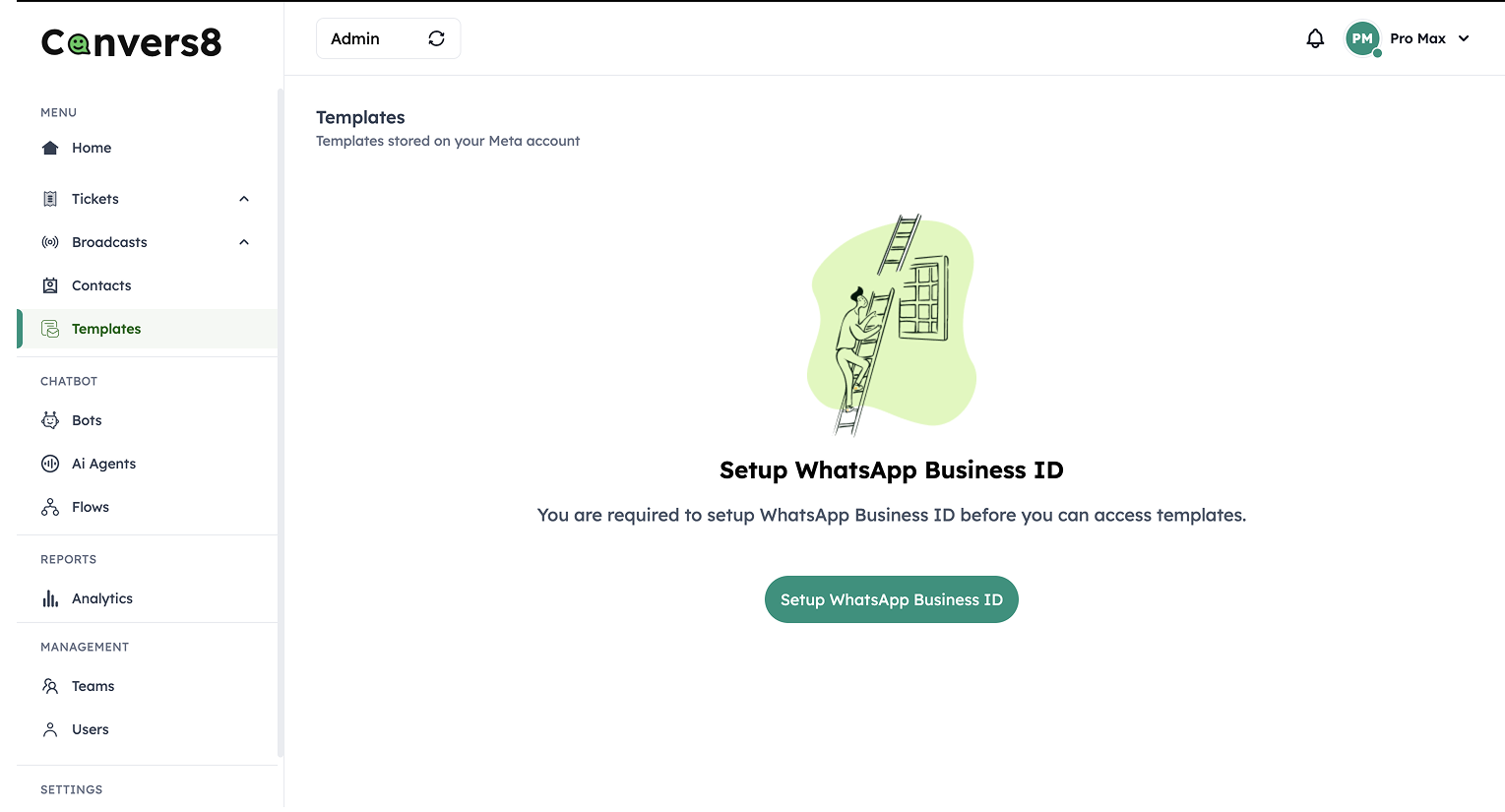
To fix this:
Click Setup WhatsApp Business ID.
A small modal will open where you can paste the ID.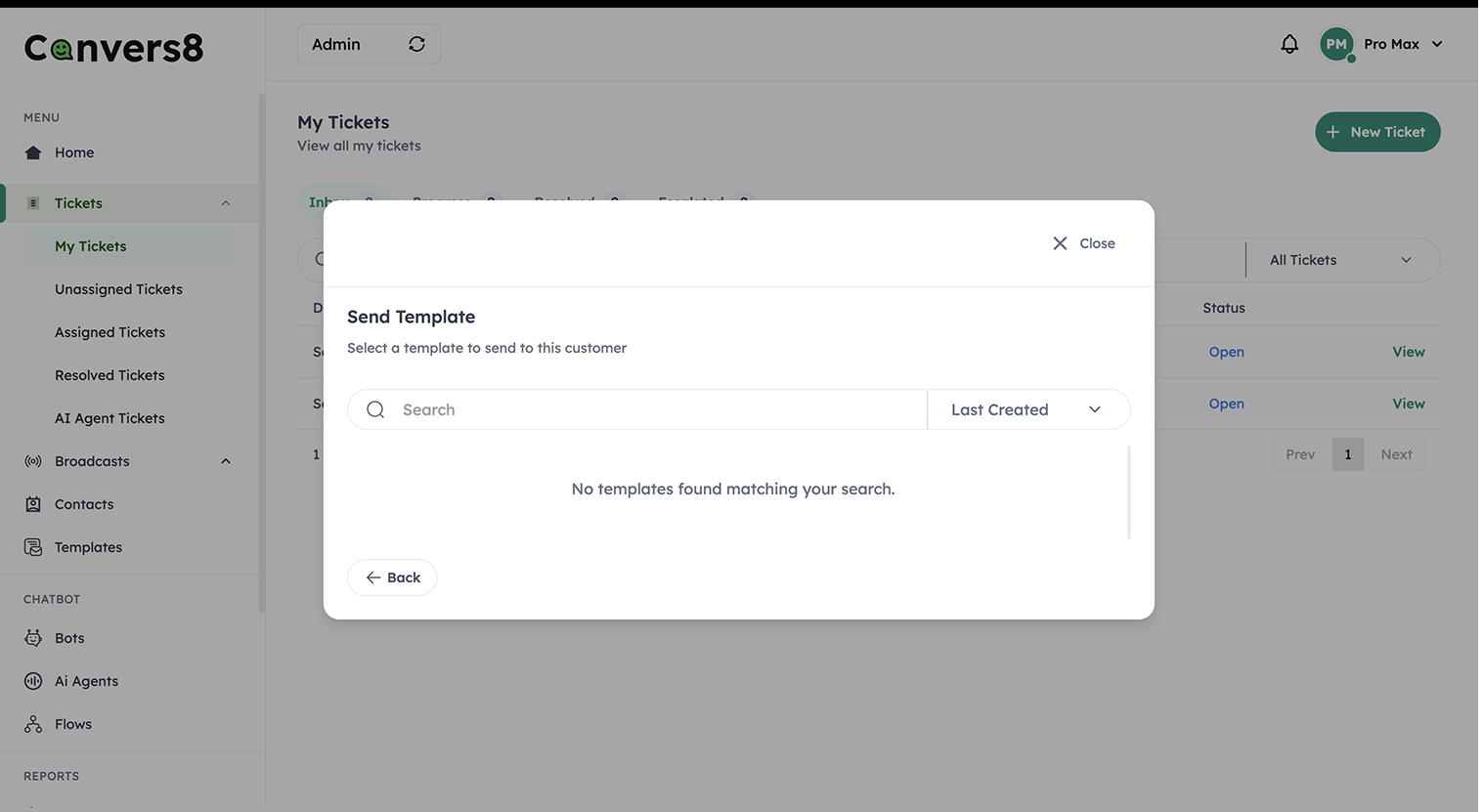
Go back to the Meta Developer App page where you generated your access token.
On this same page, you’ll see your WhatsApp Business Account ID listed.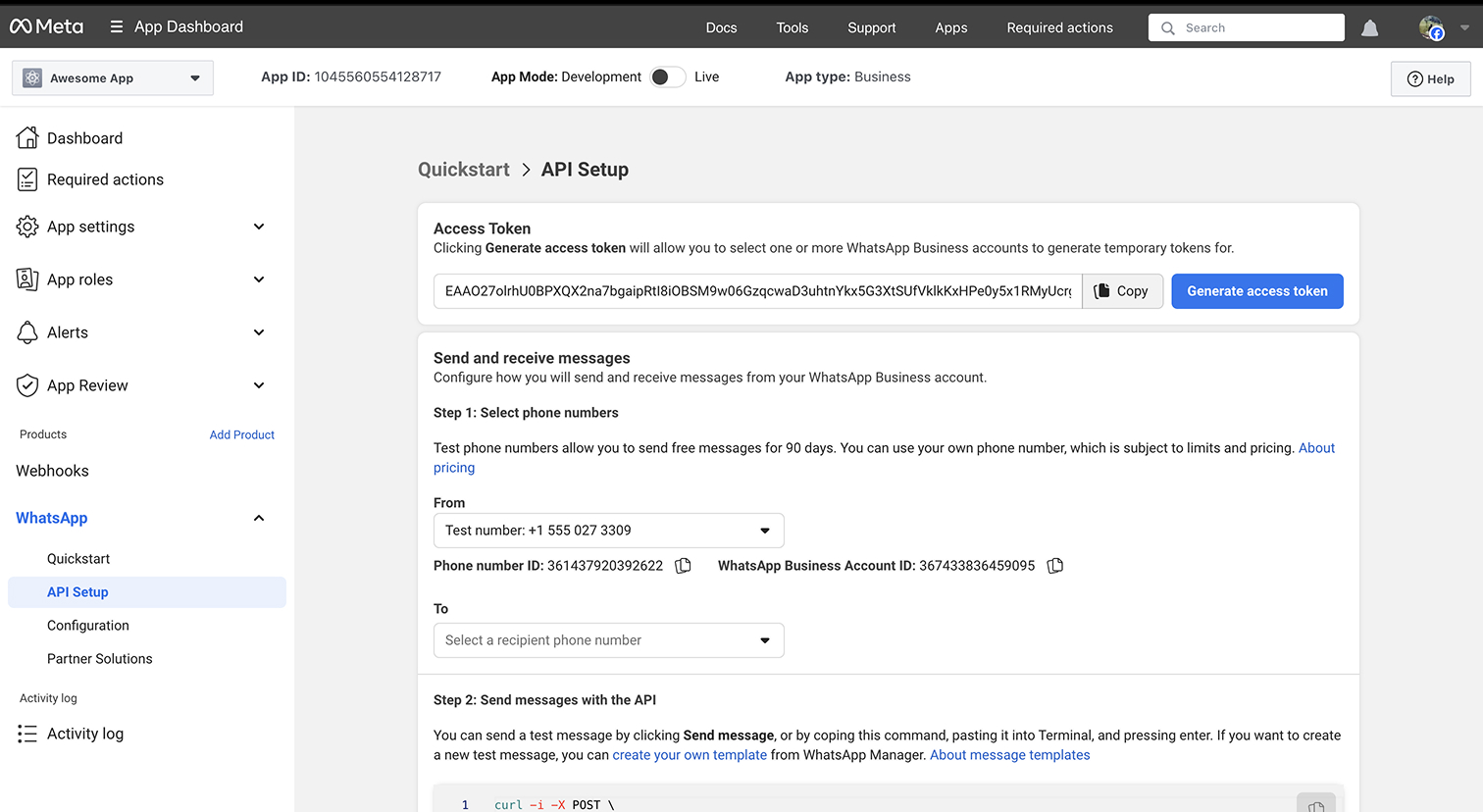
Copy the ID and paste it into the modal in Convers8.
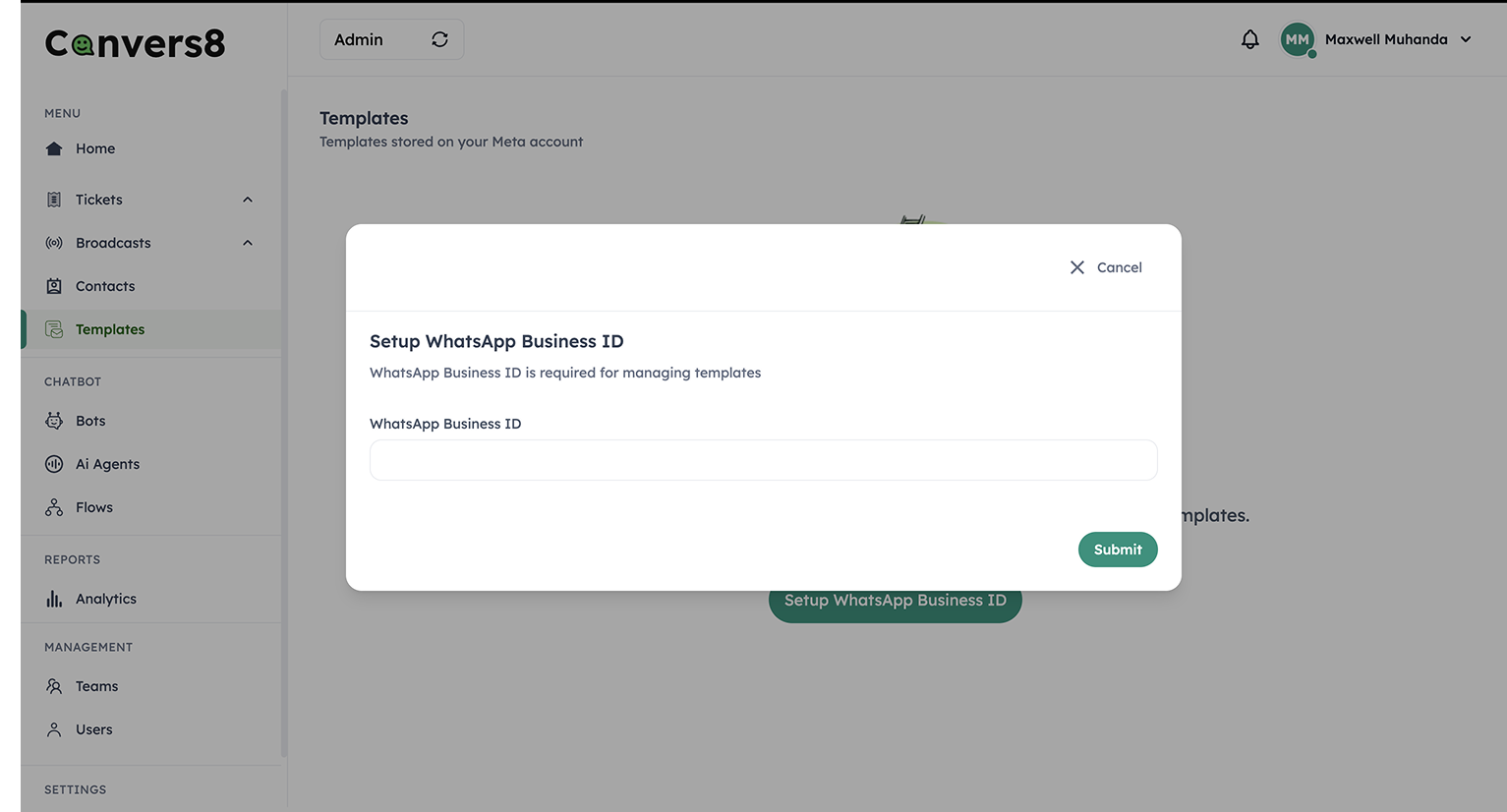
Save your changes.
Once saved, Convers8 will link to your WhatsApp Business Account and automatically sync all your existing templates.