
Account & Subscription Setup
Onboarding with Convers8 is designed to be simple, guided, and fast — so you can start engaging your customers without the tech headaches.
1. Sign Up
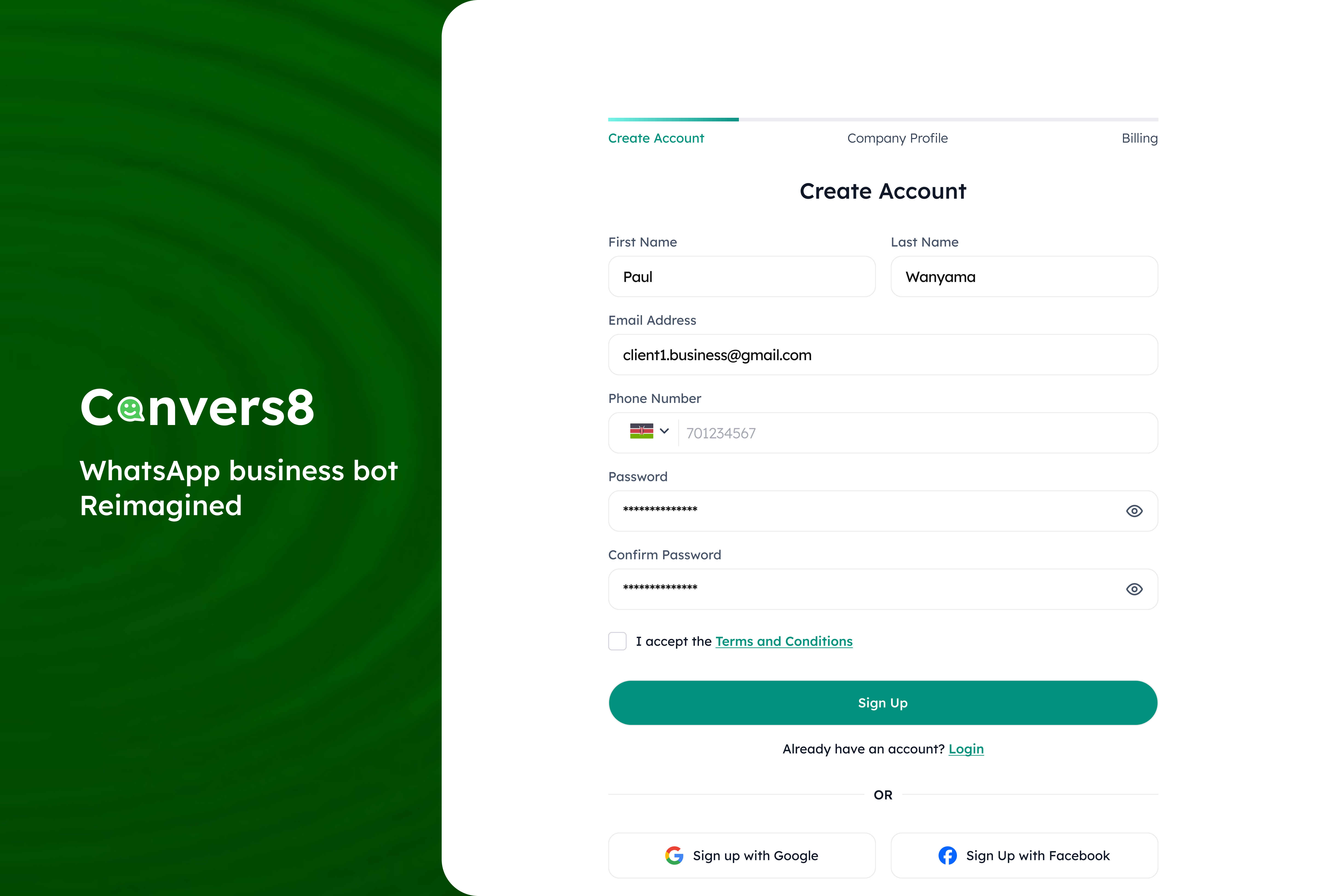
Head over to our registration page and create your Convers8 account. You can sign up with your email and password or save time by using Google Sign-In.
2. Tell Us About Your Business
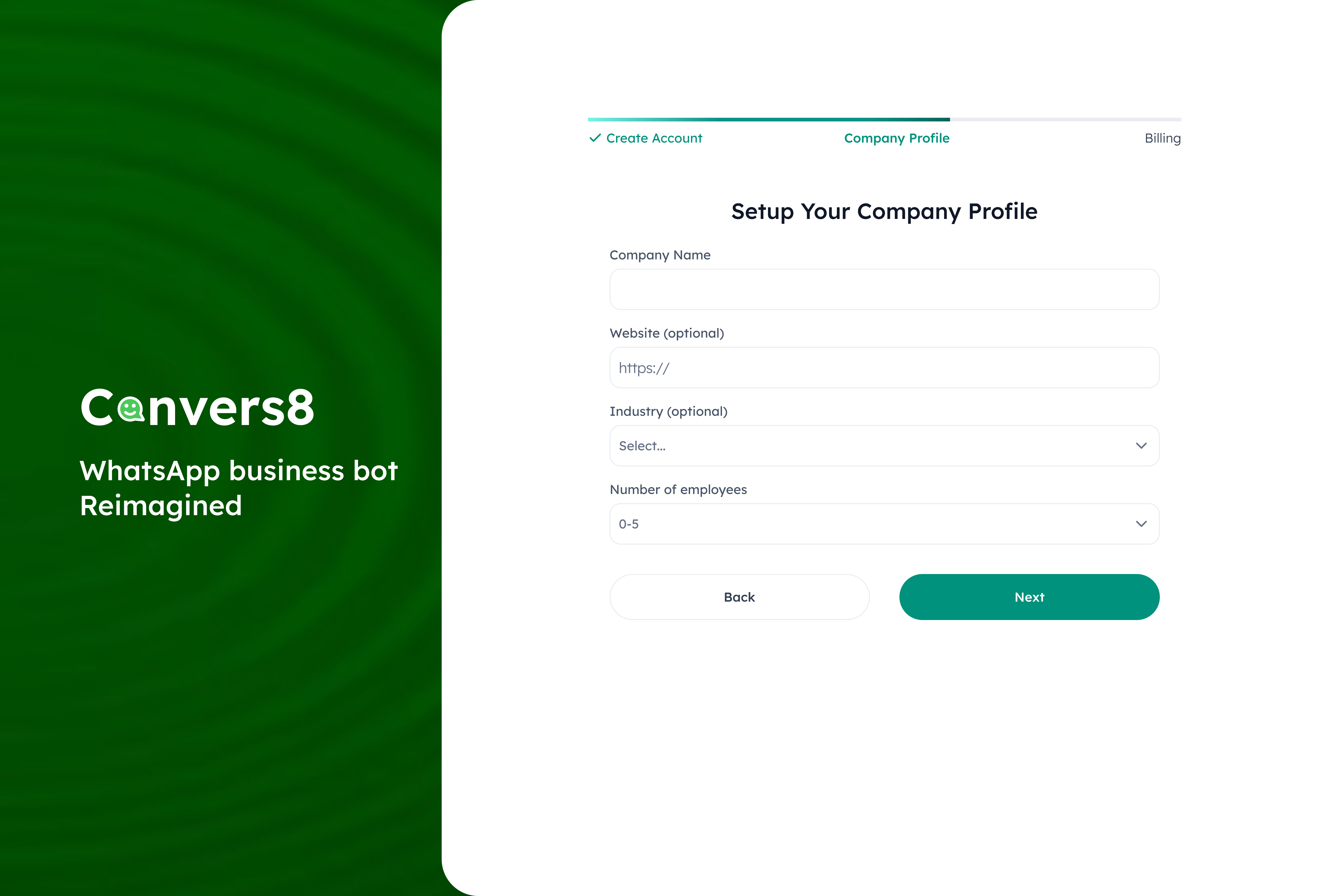
Next, add your business details so we can tailor Convers8 to your needs. Just fill in:
Company name
Number of employees
(Optional) Website and industry
3. Start Your Subscription
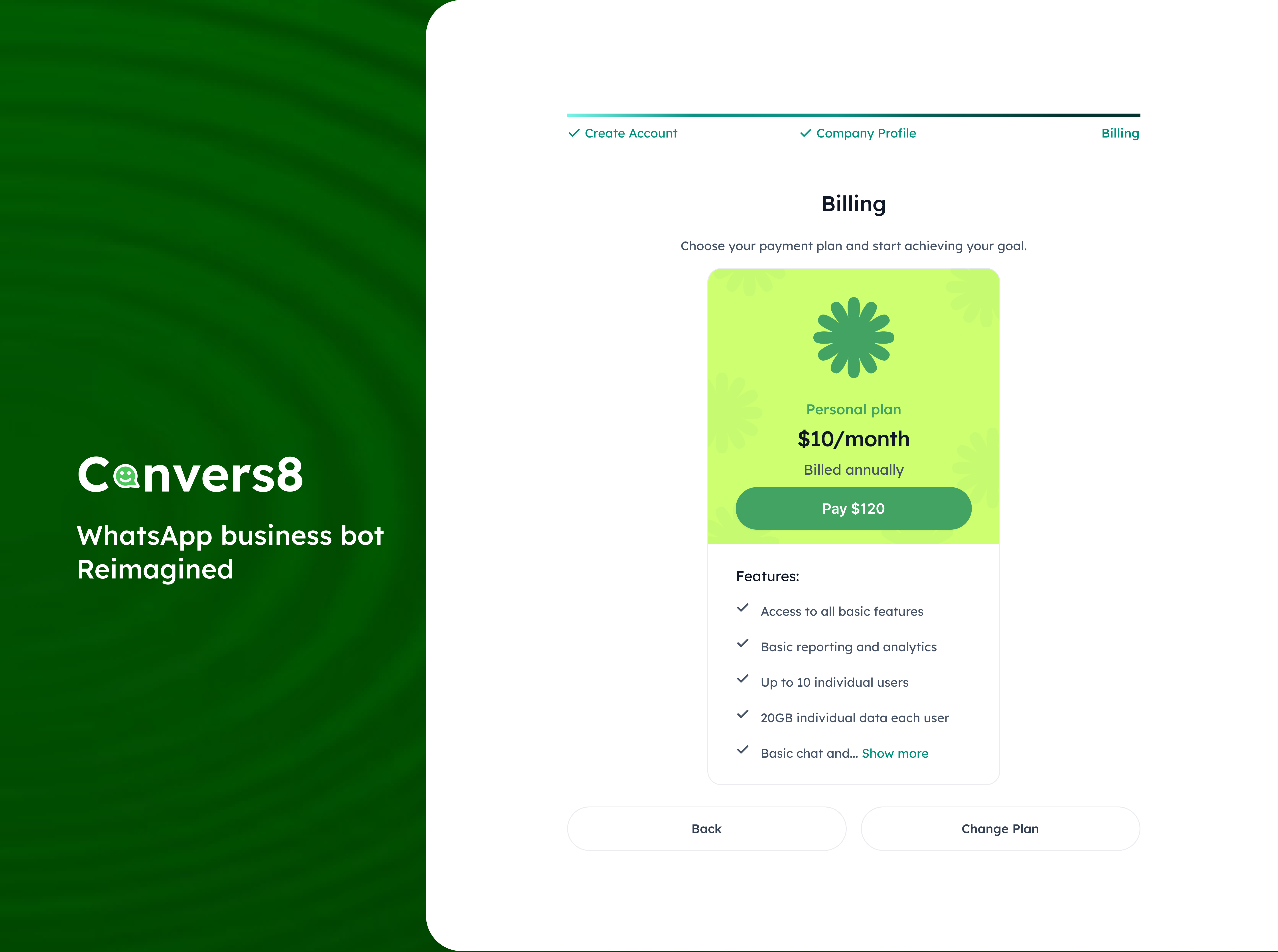
Choose a subscription plan that matches your business. Whether you’re just starting or managing at scale, we’ve kept pricing affordable.
You can always change plans later from your dashboard.
For enterprise plans, contact our team — we’ll guide you through a smoother custom setup.
4. Connect WhatsApp Business
After checkout, you’ll be redirected to configure your WhatsApp Business Account (WABA). Here you’ll enter:
Phone number ID
Verification token
Access token
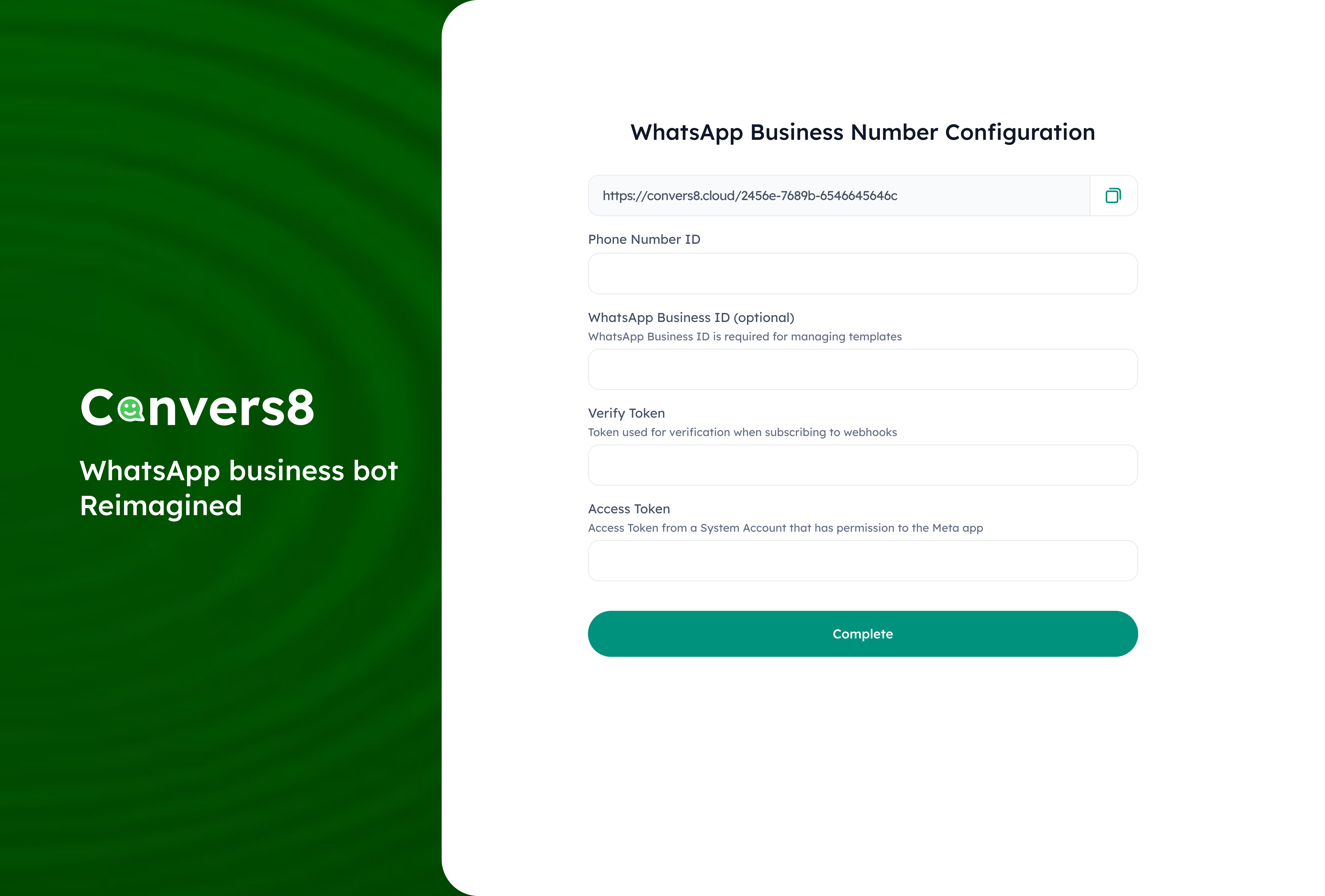
This step also gives you a unique verification link that you’ll later use inside Meta Business to finalize the connection.
5. What’s Next?
You’re all set inside Convers8 🎉. The last step is to create your Meta Developer App if you have not already, where you’ll confirm the connection with the details provided here.
👉 In the next guide, we’ll show you how to create the app and what Meta may request (like your business name, display name, and basic business info).