
Overview of Users & Roles
The Users & Roles feature in Convers8 helps you manage who can access the platform and what actions they can perform. By assigning appropriate roles to each user, you ensure secure, efficient, and well-organized collaboration across your team.
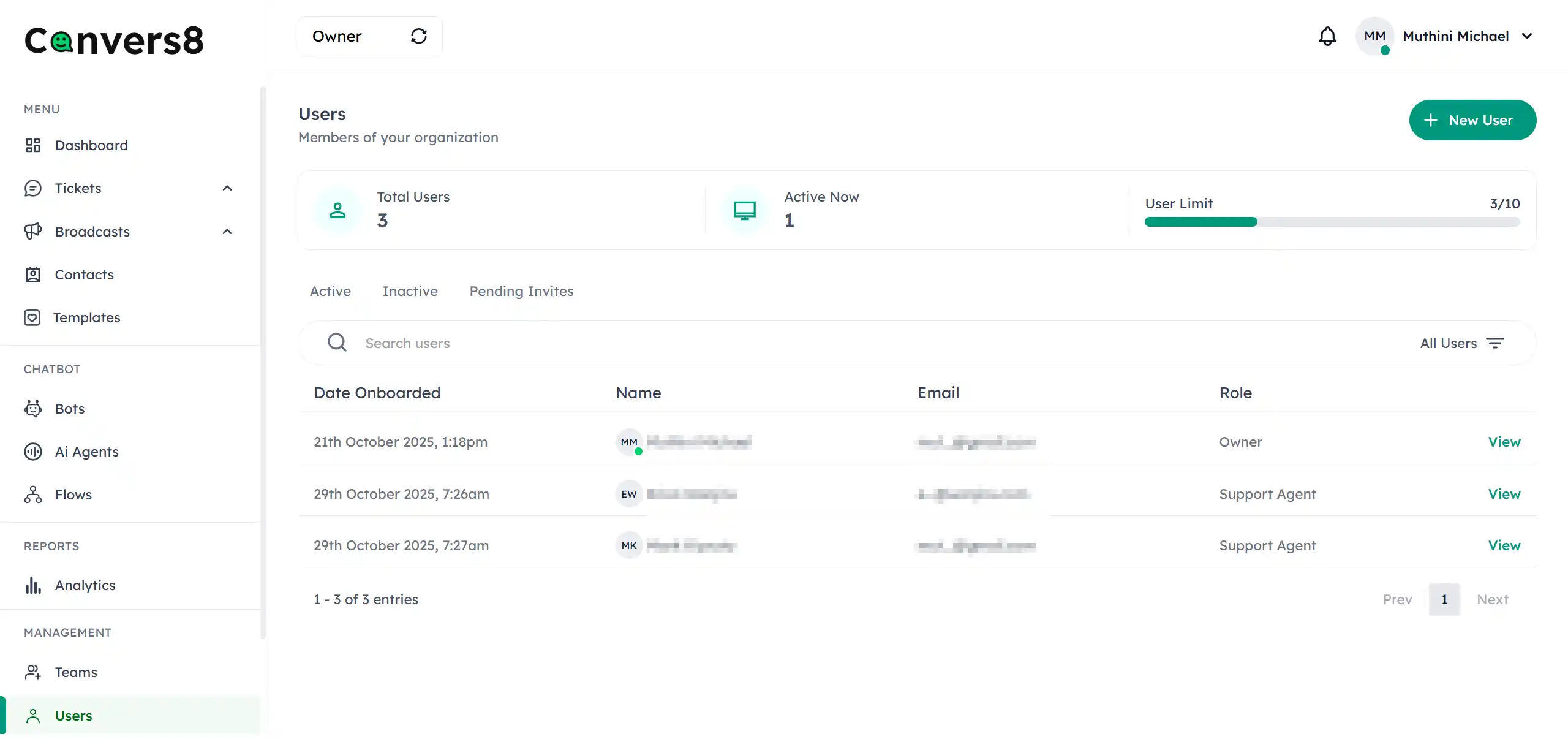
Understanding Users and Roles
What Are Users?
A user is anyone with login access to Convers8. Users perform various tasks based on their assigned permissions — from managing contacts to creating tickets or viewing analytics.
Common user types include:
- Owner – The primary WABA account holder with unrestricted access to all features, including billing, settings, and user roles.
- Administrators – Full access to all system settings, user management, and roles.
- Billing Managers – Handle billing details, subscriptions, payments, and invoices.
- Support Agents – Engage with customers, respond to tickets, and manage communication.
- Developers – Manage API access, integrations, webhooks, and technical configurations.
What Are Roles?
A role defines the permissions and level of access granted to a user. Roles determine what features and modules a user can view or modify, helping maintain data integrity and operational security.
Examples of permissions that vary by role include:
- Access to specific modules (e.g., Contacts, Broadcasts, Analytics)
- Ability to add or edit users
- Rights to view or manage sensitive settings and customer data
Why Roles Matter
Assigning clear roles is crucial for maintaining control and security within your organization.
| Benefit | Description |
|---|---|
| 🔒 Security | Restricts access to sensitive information based on responsibilities. |
| ⚙️ Control | Allows administrators to manage permissions and workflows efficiently. |
| 👥 Accountability | Tracks user actions and changes for transparency. |
| 📈 Efficiency | Ensures users only see what’s relevant to their work. |
Best Practices
- Regularly review user roles to ensure permissions align with responsibilities.
- Deactivate users who no longer need access.
- Limit administrator access to essential team members.
- Document internal policies for role assignments and permission changes.